Table of Contents
Why Data Security Matters for Your Remote Career
The Reality: Why Data Security Is So Important in Remote Work
Our 5 Commitments to Data Protection
How You Protect Client Data (And Why That Makes You More Valuable)
Understanding NDAs: Your Professional Shield
Background Checks: Building Trust from Day One
Your Data Security Toolkit
Q&A
Why Data Security Matters for Your Remote Career
Here's a question that stops many talented professionals from pursuing remote work: "Are remote data entry jobs legit? Can I really trust working with client data from home?"
The answer is yes, but only when both you and your employer take data security seriously.
Here's the reality: a study by Hivedesk on employee NDAs and data breaches reports that 63% of data breaches are directly related to remote work, and companies investing in remote teams are acutely aware of this. But here's what that statistic doesn't tell you: the majority of these breaches happen because proper security measures weren't in place, not because remote work itself is inherently risky.
When you work with a professional agency like Avila VA, data security isn't an afterthought. It's built into everything we do. And for you as a virtual assistant, understanding and committing to data protection doesn't just keep clients safe, it makes you exponentially more valuable and hireable.
This article breaks down our five core commitments to data security and shows you exactly how professional VAs protect client data while building trusted, long-term careers.
Related: Why U.S. Companies Are Hiring More Virtual Assistants from Latin America
1. The Reality: Why Data Security Is So Important in Remote Work
Let's start with the facts. According to Straits Research's 2025 Remote Work Security Market Report, the remote work security market is projected to reach $301 billion by 2033, growing at nearly 21% annually. Companies aren't investing billions because remote work is a passing trend; they're investing because remote work is permanent, and security is non-negotiable.
What's at stake:
According to Gitnux's comprehensive 2025 analysis of remote work cybersecurity statistics:
88% of data breaches involve human error.
Remote work increases the average cost of a data breach by $1.07 million.
43% of initial breach attempts in remote environments start with phishing.
76% of remote workers report receiving no support for securing their home networks.
But here's the crucial insight: These statistics reflect companies that didn't invest in proper security infrastructure. When organizations implement strong security practices and when remote workers understand their role in data protection, the risk drops dramatically.
For you as a VA, this creates opportunity. Companies desperately need remote talent who understand data security. The professionals who can demonstrate security awareness, follow protocols, and handle sensitive information responsibly become the most trusted, and highest-paid, members of remote teams.
Related: How to Become a High-Level Virtual Assistant: 5 Signs You're Ready for Career Advancement
2. Our 5 Commitments to Data Protection
At Avila VA, we don't just talk about security, we build it into every layer of our operations. Here are our five core commitments:
Commitment #1: Secure Communication Tools Only
We require all team members to use enterprise-grade, encrypted communication platforms. This means:
End-to-end encrypted messaging (Slack, Microsoft Teams, with proper security settings).
Secure file sharing through protected cloud platforms.
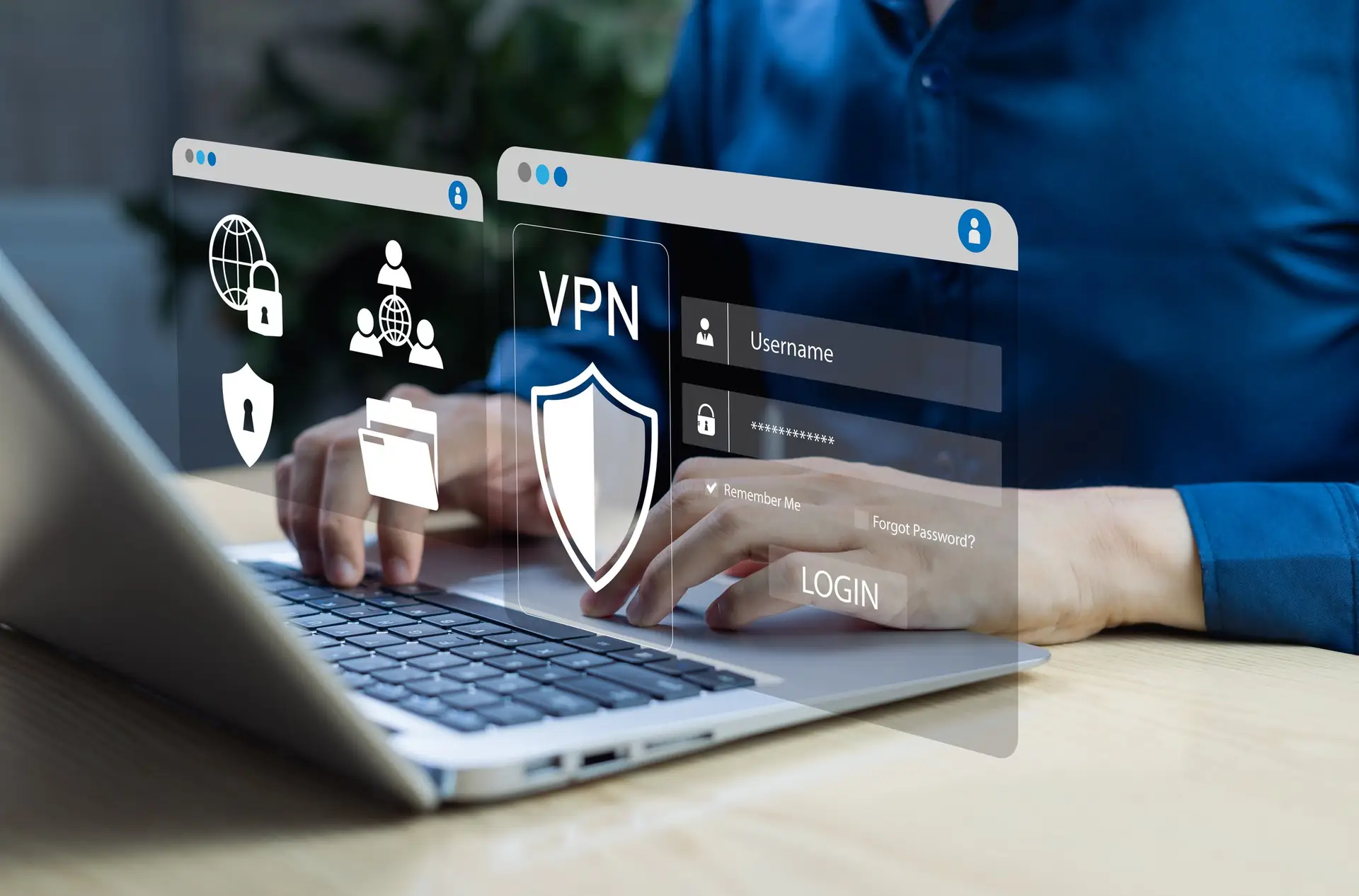
VPN usage when accessing client systems.
Multi-factor authentication (MFA) on all accounts.
Straits Research's Remote Work Security Market Report shows that 91% of companies now mandate multi-factor authentication for remote workers. We don't just recommend it, we require it.
Commitment #2: Company-Issued or Secured Devices
Professional remote work means separating personal and work activities. We either:
Provide company-issued devices for sensitive client work
Require dedicated work devices with approved security software
Mandate endpoint protection on all devices accessing client data
This isn't about control, it's about protection. When you use a properly secured device, you're protecting both yourself and your clients from vulnerabilities.
Commitment #3: Comprehensive Training and Ongoing Education
Security isn't one-and-done. We provide:
Initial security training before you start working with clients
Regular updates on emerging threats (phishing, social engineering, malware)
Clear protocols for handling different types of client data
Immediate support when security questions arise
According to Gitnux's cybersecurity statistics report, 22% of remote workers click on phishing emails, a higher rate than office workers. Proper training dramatically reduces this risk.
Commitment #4: Clear Data Handling Protocols
You'll never wonder "Should I save this file here?" We provide:
Specific instructions for where and how to store client files
Guidelines on password management (we recommend password managers)
Protocols for handling confidential information
Procedures for securely destroying data when projects end
Manila Recruitment's guide on maintaining confidentiality in remote work confirms that clear, written protocols reduce security incidents by more than 60%.
Commitment #5: Regular Security Audits and Updates
We don't set security measures and forget them. We:
Conduct regular security audits of our systems
Update protocols based on emerging threats
Monitor industry best practices and implement improvements
Maintain compliance with data protection regulations
This multi-layered approach means you're never alone in protecting client data. You're supported by infrastructure, training, and ongoing guidance.
Related: Productivity Tools for Virtual Assistants in 2025
3. How You Protect Client Data (And Why That Makes You More Valuable)
Professional data security isn't just about tools, it's about habits and mindset. Here's how high-level VAs keep client data safe:
Strong Password Practices:
Use unique passwords for every platform (never reuse passwords)
Use a password manager to generate and store complex passwords
Enable MFA everywhere it's available
Never share login credentials via email or unsecured messaging
Secure Work Environment:
Avoid public Wi-Fi for client work (or use a VPN if unavoidable)
Ensure your home network is password-protected and uses WPA3 encryption
Position your screen away from windows or public view
Lock your computer when stepping away
Vigilant Communication:
Verify requests for sensitive information before sharing
Never click links or download attachments from unknown sources
Report suspicious emails or messages immediately
Think before sharing, ask "Does this person need this information?"
Proper File Handling:
Save files only to approved, secure locations
Use encrypted file sharing for sensitive documents
Delete local copies of confidential files when projects complete
Never upload client data to personal cloud storage
These aren't burdensome restrictions, they're professional standards that separate amateur freelancers from trusted, career-level virtual assistants.
Related: From Chaos to Control: Essential VA Organization Tools Every Professional Needs
4. Understanding NDAs: Your Professional Shield
One question we hear often: "What does signing an NDA mean for me?"
A Non-Disclosure Agreement (NDA) isn't a trap, it's professional protection for both you and your client.
What NDAs Protect:
According to Remote.com's comprehensive guide on NDAs for contractors and remote workers, NDAs typically cover:
Trade secrets and proprietary information
Client lists and customer data
Unpublished financial information
Business strategies and internal processes
Intellectual property and product designs
What NDAs Don't Restrict:
Employment law firm Rothschild & Alwill's analysis of NDAs in employment clarifies that properly written NDAs cannot:
Prevent you from reporting illegal activity
Stop you from disclosing workplace misconduct
Restrict you from discussing your general work experience
Prohibit you from listing your job title and employer on your resume
Your Rights:
You can (and should) read the NDA carefully before signing
You can ask questions about anything unclear
You can seek legal advice if terms seem overly broad
You can disclose basic employment details (company name, dates, role) without violating standard NDAs
Professional perspective: Hivedesk's research on employee non-disclosure agreements shows that 42% of employees misinterpret legal documents due to complexity. At Avila VA, we explain exactly what our NDAs mean in plain language, so you understand your obligations and your rights.
Related: VA Professional Boundaries: Setting Limits While Exceeding Client Expectations
5. Background Checks: Building Trust from Day One
Another common concern: "Why do companies require background checks for remote workers?"
Background checks build trust and that benefits you.
What Background Checks Typically Include:
Employment history verification
Education verification
Criminal record check (jurisdiction-dependent)
Identity verification
Sometimes: credit checks (for financial roles)
Why This Protects You:
Background checks aren't just for the client's benefit. They:
Demonstrate that your employer takes hiring seriously
Create a level playing field (everyone goes through the same process)
Protect you from working alongside unverified individuals
Build client confidence, which leads to better projects and higher pay
Your Privacy Rights:
Legitimate background checks:
Require your consent
Comply with local privacy laws
Don't request information beyond job requirements
Keep your information confidential
If you're worried about past employment disclosures and NDAs: Legal experts at Justia explain in their employment law Q&A that NDAs typically don't prevent you from disclosing basic employment details (company name, dates, job title) for background verification purposes.
Related: How to Land Remote Administrative Assistant Jobs (Even Without Years of Experience)
6. Your Data Security Toolkit
Essential tools every professional VA should use:
Password Management:
1Password, LastPass, or Bitwarden (generate and store strong passwords)
Secure Communication:
Slack (with proper security settings), Microsoft Teams, Zoom with encryption
VPN Services:
NordVPN, ExpressVPN, or ProtonVPN (when working outside your home network)
Endpoint Protection:
Windows Defender (built-in), Malwarebytes, or company-provided security software
Secure File Sharing:
Google Drive (with proper permissions), Dropbox Business, OneDrive for Business
Two-Factor Authentication Apps:
Google Authenticator, Authy, Microsoft Authenticator
These tools aren't expensive (many are free), and they dramatically increase your professional value.
Related: Become a VA Pro: Essential Tools, Communities & Habits
7. Questions & Answers
-
Remote workers handle sensitive client information outside traditional office security. Strong data practices protect both clients and your professional reputation—making you more valuable and hireable.
-
NDAs protect confidential business information like trade secrets, client data, and proprietary processes. They don't prevent you from discussing general work experience or reporting illegal activity.
-
Use enterprise-grade platforms like Slack, Microsoft Teams, or Zoom with security settings enabled. Always use VPNs when working on public networks and enable MFA on all accounts.
-
Through strong password practices, secure work environments, vigilant communication habits, proper file handling, and using approved security tools. Professional VAs follow clear protocols provided by their employers.
-
Only save files to approved, secure locations specified by your employer, typically encrypted cloud storage like Google Drive (business), Dropbox Business, or company-issued systems. Never use personal cloud storage for client data.
Ready to build a remote career you can be proud of with security you can trust?
At Avila VA, we don't just connect you with great clients. We provide the training, tools, and support to help you become a trusted, high-earning professional in the global remote workforce.
If you're ready to work with a company that takes your career and data security seriously:
Apply to join our team